
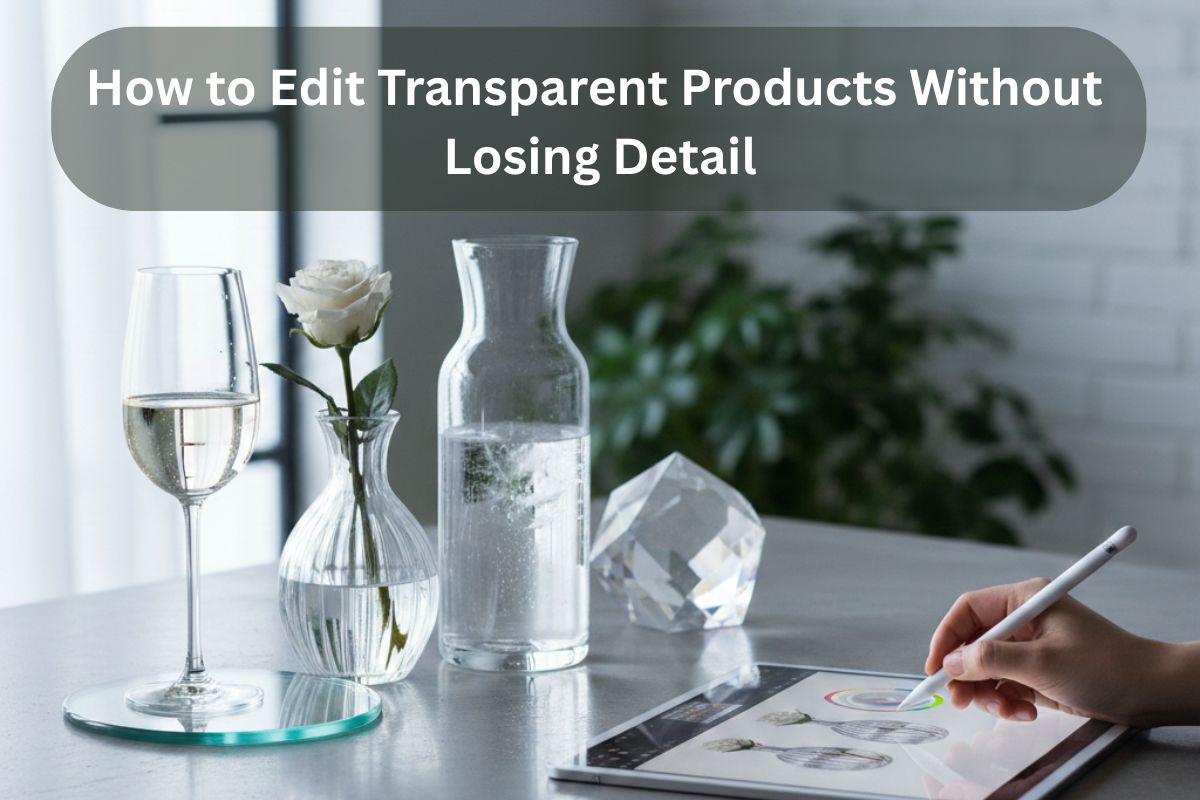
Some of the most difficult products to shoot in product photography are glass and transparent products. They are not solid, unlike solid objects, they reflect everything, the Lights, the cameras, the studios, even the photographers. Glare, hard reflections, unwanted shadows on the background, and spill, all these will create you a terrible puzzle in editing.
Realism is not a choice in the case of eCommerce brands, as it has a direct effect on trust and conversion rates. The customers cannot touch a product; hence, they have to depend on what they see. In case the glass bottle appears to be flat or unrealistic, they are reluctant. They purchase it in case it is realistic and physical.
This tutorial takes you through a professional workflow, including image masking, shadow adjustment, and more advanced processes, so that you can make your transparent product look smooth and natural.
Why Transparent Products Are So Difficult to Edit
Glass is also erratically bounced off by studio lights. In place of straight edges, the reflections are hotspots and lumpy. It is not to eliminate reflections wholesale and the idea is to manage the reflections without annihilating depth.
The shape of the product is flattened by harsh glare. Delicate echoes, however, are used to outline its lines.
The background removal is not good with transparent objects. Glass permits the background to shine through, and therefore a hard cutout is likely to produce unnatural edges.
Here, image masking by professionals is necessary. Contrary to simple clipping paths, masking does not affect transparency and gentle edge transitions.
Shadow depth brings about realism. Total elimination of shadows may make a product appear to be floating in an unnatural manner. Rather than destroying them, sharpen them up -or recreate them with great care by a drop shadow service that simulates natural light.
Pre-Editing Preparation (Before Opening Photoshop)
Editing starts at the shoot.
- Define glass edges by use of backlight.
- Use diffuse lighting rather than direct flash to minimize mean-spread reflections.
- Do not have cluttered surroundings which could be reflected on the surface.
Proper lighting saves the excessive use of post-production fixes.
White backgrounds are popular with eCommerce, whereas gradient backgrounds can usually be used with glass due to their soft contrast.
Transparent edges are indeed beautiful with black backgrounds, particularly when it comes to luxury goods such as perfume or wine bottles.
Step-by-Step Guide to Editing Glass Products
Step 1 – Clean Up Dust and Imperfections
Glass surfaces are very visible to dust.
Work with spot healing and clone tools. Use zoom to 100-200% to be able to see each and every pixel. By removing scratches and smudges in the first place it will avoid texture distortion in the future.
Step 2 – Use Layer Masks Instead of Hard Cutouts
Glass can hardly be clipped with paths alone.
Image masking service method is employed by professional editors to maintain semi-transparent edges. The layer masks enable the fine tuning of the mask without deleting the details permanently.
With masking and transparency control, the product would still have its natural appearance when it is placed on other backgrounds.
Step 3 – Control Highlights Without Flattening Texture
Glare should be minimized by using curves and levels, but not excessively.
Glass only has its identity through reflections. The idea is to take the edges out of unkind hotspots, not removing all the highlights.
Brightness is reduced selectively to preserve texture.
Step 4 – Preserve Natural Transparency
Reductions in the levels of the lower opacities are used to sustain the see-through effects.
Test mixing reflections modes such as Screen or Overlay. These do not create the object appearing artificial.
A realistic edit is one that regards the behavior of light within glass.
Step 5 – Recreate Realistic Shadows
In case the natural shadows were small and disturbing, recreate them thoroughly.
Professional drop shadow service does not just put on a generic shadow. It examines the original direction and tenderness of light. Create small shadows, which are built in layers using soft brushes with low opacities and with Gaussian blur.
When done correctly, the shadow gives the product a touchable and down-to-earth feel.
Advanced Techniques Professionals Use
Frequency Separation for Glass Surfaces
Frequency separation is useful in eliminating scratches without the hypocrisy of structural details.
This process separates texture and color and tone- you can remove flaws without flattening reflections.
Channel Masking for Better Transparency
Channel masks are a more natural selection compared to basic selections.
Through editing with individual RGB channels, an editor is able to isolate finer highlights and edges in order to achieve better image masking effects.
Adding Subtle Gradient Overlays
Deep gradient overlays increase depth.
The method is particularly effective in high-end packaging. A small change of tone can give the impression without editing it to excess.
Read more- Editing Techniques That Save Reflective Product Photos
Common Mistakes That Ruin Glass Product Photos
- Overexposure which eliminates depth.
- Eliminating reflections altogether.
- Pure white backgrounds with no refined edges.
- Excessive sharpening of open spaces.
Keep in mind: it is not about perfection but realism.
Glass Editing for Different Product Types
Perfume Bottles
In many cases, perfume bottles are made of glass, liquid and metallic cap. Coating to be used should not alter the color of the liquid but rather leave clear edges on elements of branding.
Wine Glasses & Bottles
To exhibit a curvature, wine bottles need to be kept in shadow. Similarity of labels is also necessary such that there is no glare behind the text.
Cosmetic Packaging
Gel or serum textures are usually found in clear containers of skincare. Maintain the view of interior products with overlay image masking.
Jewelry with Transparent Stones
Gemstones need controlled highlights. Excess glare takes away sparkle and insufficient glare takes away brilliance. The presence of a balanced drop shadow makes it more three dimensional without excessive shine.
When to Outsource Glass Product Editing?
Manual masking is a time consuming process that is very specific.
Bulk catalogs require uniformity in dozens – or hundreds – of SKUs. Shadows, transparency being realistic and pixel level refinement are not fast solutions.
It is here that a professional image masking service or dedicated drop shadow service would come in handy. Branding companies such as Visuals Clipping can assist brands in having a consistent and high-end presentation throughout complete product lines, both saving time and being realistic.
Final Checklist Before Publishing Your Image
- Are highlights when they are managed and yet noticeable?
- Is it the natural transparency, is it believable?
- Are shadows flakey and natural?
- Is the product tactile?
When you say yes to everything, then you are eCommerce ready with your image.
Conclusion
Editing the glass and transparent products is not a way of making them perfect but believable.
Image masking of the professional image, professional refinement of shadows and controlled highlights maintain the realism but increase the clarity. Trust is killed by over-editing and is created by accuracy.
Whenever you do it yourself or you use the services of a skilled image masking firm, keep in mind: patience and detail are the two elements that turn the intricate glass photos into conversion-motivating images.
Realism prevails in high end eCommerce.
 john1nento@gmail.com
  tech.emizen
  alberttaylor2019