
Smart switches and sockets can add remote control, schedules, energy monitoring, and automation to selected household circuits. Their usefulness depends on compatibility with the home’s wiring, appliances, network, and preferred platform. A connected accessory should still offer dependable everyday operation and remain within its electrical rating. Lauritz Knudsen Smartshop can help users explore electrical products, while the installation should be planned around both smart features and conventional safety requirements.
Plan the Installation Before Comparing Products
Decide what needs to be automated before selecting devices. A smart switch may suit lights or fans that are compatible with its output, while a smart socket may be useful for a portable appliance within its rated load. Check whether the device needs a neutral wire, hub, specific wireless protocol, or cloud connection. Consider what should happen during internet outages and power restoration.
Write down the relevant ratings, physical constraints, and operating conditions before comparing model numbers. This makes product comparisons more meaningful and helps prevent a mismatch between the accessory and the equipment it is intended to serve.
Priorities for Smart Device Compatibility
For smart accessories, check the wiring and connected load before comparing app features. Consider how the device behaves offline and whether the household can still operate the circuit manually.
What Makes a Switch or Socket Smart?
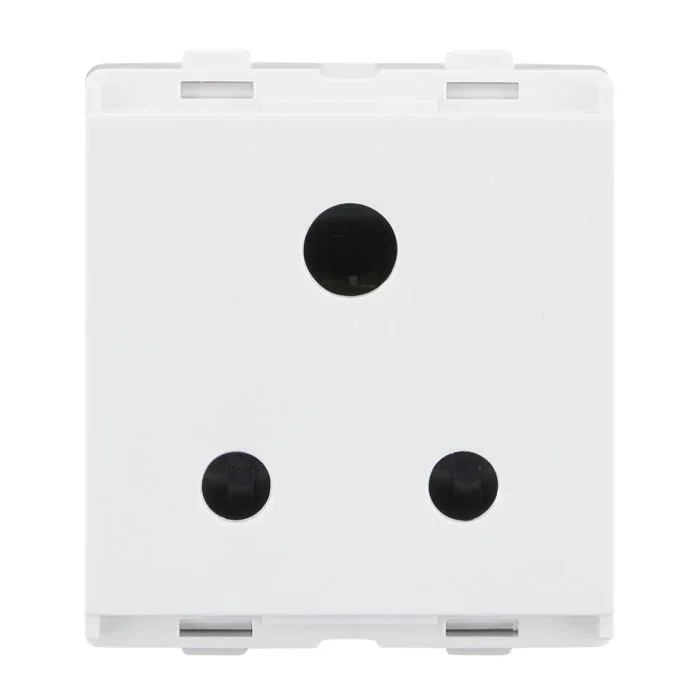
Smart switches and sockets can offer remote operation, schedules, energy information, or integration with a compatible home automation platform. The features depend on the product and the connected system, so it is useful to define the intended benefit before buying.
Some devices require a hub, a particular wireless protocol, or a neutral wire. Others may work only with certain lamp types or appliances.
Connectivity and Control Checks
-
Choose the automation functions you will actually use.
-
Confirm protocol, app, wiring, and load compatibility.
-
Plan manual operation and safe servicing procedures.
Check Compatibility First
Compatibility includes the wiring arrangement, connected load, supply rating, mounting dimensions, network, app, and any required hub. A smart socket should not be used with equipment that exceeds its rating or requires a dedicated circuit.
Read the product documentation carefully and check what happens when the network or cloud service is unavailable. Local manual control can be important for everyday usability.
Installation Suitability Checks
-
Choose the automation functions you will actually use.
-
Confirm protocol, app, wiring, and load compatibility.
-
Plan manual operation and safe servicing procedures.
Plan Automation and Security
Schedules and scenes can make lighting or selected appliances easier to manage, but they should be configured around actual routines. Keep app accounts secure, review permissions, and avoid sharing access more broadly than necessary.
Connected electrical products should be kept updated according to the manufacturer’s guidance. Consider whether the device will remain supported and whether it can be reset or removed securely.
Connectivity and Control Checks
-
Choose the automation functions you will actually use.
-
Confirm protocol, app, wiring, and load compatibility.
-
Plan manual operation and safe servicing procedures.
How the Distribution Board Fits In
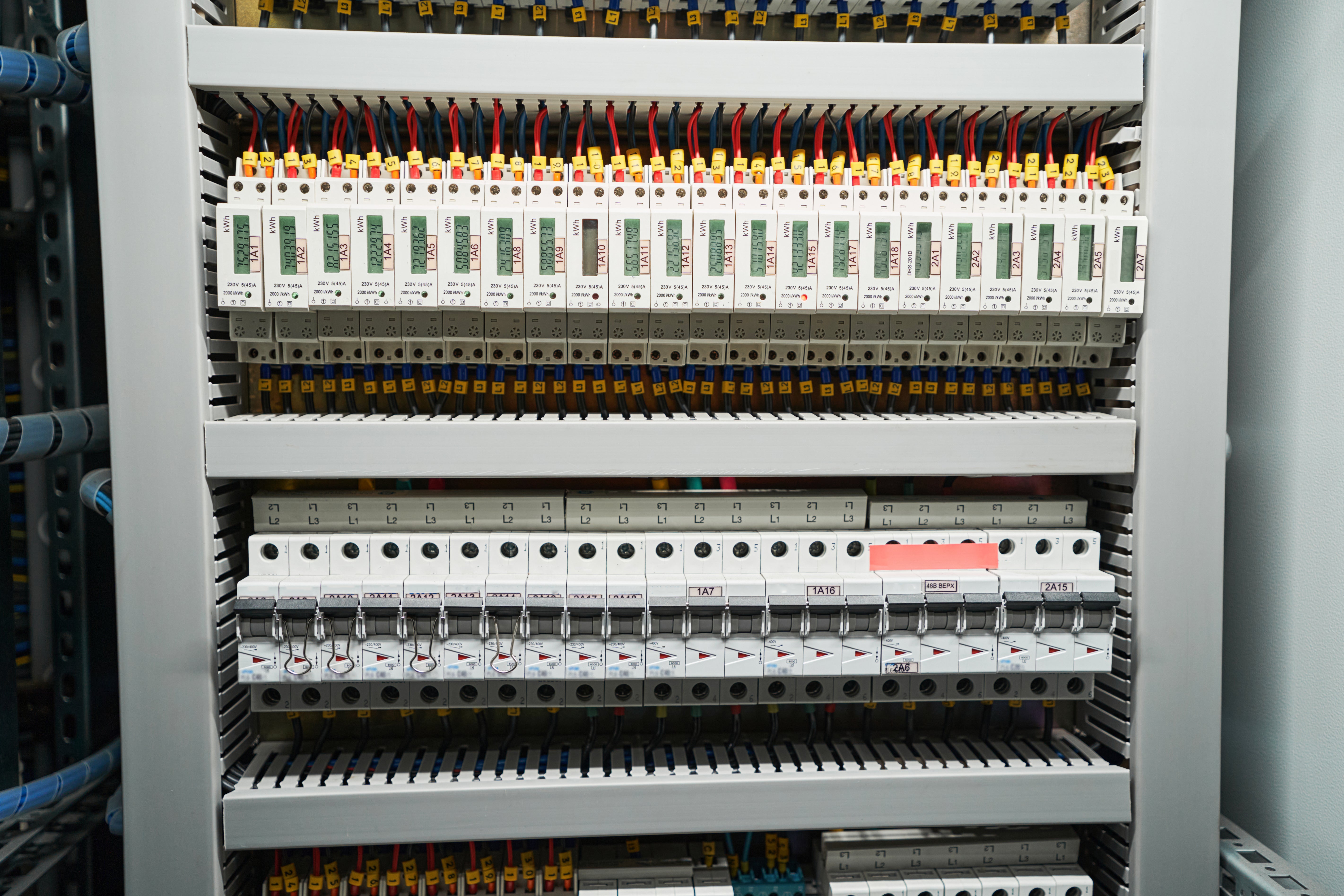
A distribution board houses circuit protection and divides the supply into outgoing circuits. Smart switches and sockets do not replace the need for correctly designed circuit protection, earthing, and suitable wiring.
If a connected device needs a new circuit or fixed-wiring changes, use a qualified electrician to assess the installation and confirm that the distribution board and protective devices are appropriate.
Panel Configuration Checks
-
Choose the automation functions you will actually use.
-
Confirm protocol, app, wiring, and load compatibility.
-
Plan manual operation and safe servicing procedures.
A Practical Buying Checklist
Compare supported platforms, load ratings, wiring requirements, network needs, security updates, warranty, and installation instructions. Begin with a small pilot before deploying connected devices throughout the home.
Lauritz Knudsen Smartshop can be used to explore electrical accessories. Verify the product details and confirm compatibility with the existing installation before ordering.
Purchase Comparison Checks
-
Choose the automation functions you will actually use.
-
Confirm protocol, app, wiring, and load compatibility.
-
Plan manual operation and safe servicing procedures.
Mistakes That Can Lead to Poor Performance or Unsafe Selection
Do not assume that all smart devices work with every voice assistant, app, router, or automation platform. Compatibility should be confirmed for the exact model and software version. A second mistake is using a smart socket with a high-power appliance that exceeds its rating. Remote control also does not remove the need for proper isolation when servicing equipment.
If a device trips repeatedly, overheats, makes unusual noise, or shows visible damage, stop relying on it until the cause has been checked. Never bypass protection or work on energised fixed wiring.
Final Checks Before Purchase and Installation
Compare rated load, supported protocol, hub requirements, local-control options, app permissions, firmware support, energy-monitoring features, and warranty. For a distribution board or multi-circuit installation, consider how the smart devices will coexist with protective devices and manual controls. Have fixed wiring installed by a qualified electrician and keep a clear record of device locations and configurations.
Keeping a connected setup maintainable
Before committing to a platform, check whether devices can be managed if the original installer or account holder is no longer available. Clear account ownership, reset procedures, and documented device names can make later maintenance easier.
Choose products with clear support information and a realistic update policy. A small, compatible setup is usually easier to troubleshoot than a large collection of unrelated devices.
Quick checklist
-
Document device names and locations
-
Check account transfer and reset options
-
Review updates and support
Conclusion
Smart switches and sockets work best when their features, wiring, connected loads, and platform are compatible. Plan the use case, maintain security, and keep the underlying electrical installation properly protected.
 truma3491
  All Writer Destination