
Microsoft Access has been a go-to tool for small and mid-sized businesses for decades. It’s easy to build a database in, quick to create forms and reports, and most teams already know how to use it. But there’s one problem that keeps showing up as businesses grow: Access was built to run on a single computer or a small office network, not across remote teams or multiple locations.
This is exactly why more businesses are turning to cloud database hosting. Instead of keeping your Access database tied to one desktop or local server, cloud hosting moves it to a secure remote environment that your whole team can reach from anywhere. No VPN setup, no file-sharing workarounds, and no worrying about who has the “latest” copy of the database.
In this guide, we’ll walk through what cloud database hosting actually means for Microsoft Access, how the setup process works, what it costs, and how to decide if it’s the right move for your business.
What Is Cloud Database Hosting?
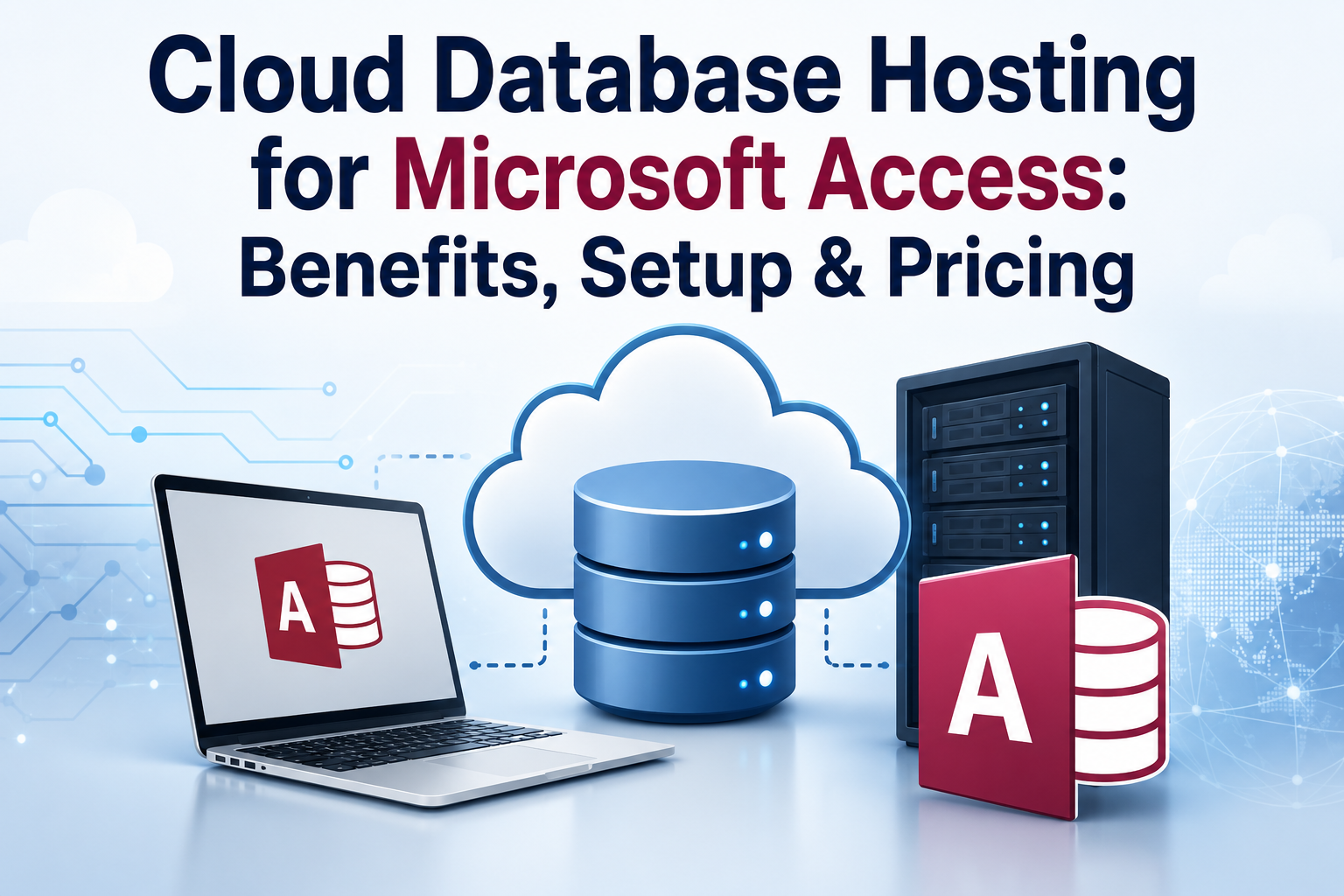
Cloud database hosting means your database, along with the software needed to run it, lives on a remote server managed by a hosting provider instead of sitting on your office computer. You connect to it over the internet, and it works and feels almost exactly like using Access locally, except now your whole team can log in from anywhere.
For Microsoft Access specifically, this usually works through a hosted virtual desktop. Think of it as a computer in the cloud that already has Access installed and your database loaded onto it. You log in from your laptop, tablet, or even your phone, and you’re working in the same environment your teammates are using at the same time.
This matters because Microsoft never built a true web version of Access. If you want your team to use Access outside the office, cloud hosting is really the only practical way to make that happen without switching to a completely different platform.
Why Businesses Are Moving Access Databases to the Cloud
There are a few common reasons businesses make this switch, and most of them come down to simple, everyday frustrations.
Remote and hybrid teams need access from anywhere. If even one person on your team works from home some days, a local-only Access database becomes a bottleneck. Cloud hosting removes that problem entirely.
Multiple users need to work at the same time. Local Access setups can run into file-locking issues when more than one person tries to open the database. A hosted environment is built to handle multiple users working in the same file without conflicts.
Old hardware becomes a liability. A local server that’s several years old is a risk. If it fails, you could lose your database along with it. Cloud hosting keeps your data on modern, well-maintained infrastructure with regular backups.
Growing businesses need room to scale. Adding a new employee to a local setup often means new hardware or a network reconfiguration. In the cloud, it’s usually just a matter of adding a new user account.
Setting Up Cloud Database Hosting for Microsoft Access
Getting started is a lot simpler than most people expect. You don’t need to be technical to make this switch, and a good provider will handle most of the heavy lifting for you.
Step 1: Choose a Hosting Provider
Look for a provider that specializes in hosting Access and similar business applications, not just general cloud storage. They should understand how Access works and be able to support your specific version.
Step 2: Select a Plan Based on Your Needs
Providers typically offer a few tiers based on the number of users, storage space, and processing power you need. Small teams can usually start with a basic plan and upgrade later as they grow.
Step 3: Migrate Your Existing Database
Your provider will move your current Access database onto their servers. In most cases, this doesn’t require rebuilding anything. Your forms, reports, and tables usually transfer over exactly as they were.
Step 4: Set Up User Accounts
Each team member gets a login, and you can control what each person can view or edit. This is useful if you want certain staff to have full access while others only see specific reports or forms.
Step 5: Connect and Get to Work
Once setup is complete, your team logs in through a simple remote desktop connection. From there, Access looks and works just like the desktop version everyone already knows.
The entire process usually takes just a few hours to a couple of days, depending on the size of your database and how many users you’re adding.
How Microsoft Azure Cloud Managed Services Fit Into the Picture
Many hosting providers build their infrastructure on top of Microsoft Azure cloud managed services, and it’s worth understanding why that matters for your Access database.
Azure gives hosting providers access to enterprise-grade servers, strong security tools, and a global network of data centers. When a provider hosts your Access database on Azure, you get the benefit of that infrastructure without needing to manage any of it yourself. The provider handles server maintenance, updates, and monitoring, while Azure supplies the underlying power and reliability behind the scenes.
This combination is especially useful for businesses that want to run other applications alongside Access, such as SQL Server or Microsoft 365 tools. Since Azure supports a wide range of Microsoft products, your hosting environment can grow with your business rather than boxing you into just one application.
If security and compliance are a concern for your industry, Azure’s managed services also come with strong certifications and data protection standards, which many hosting providers pass along as part of their service.
What Does Cloud Database Hosting Cost?
Pricing depends on a few factors: the number of users, how much storage you need, and whether you want a shared or dedicated server environment.
As a general guide:
- Basic plans usually start around $25 to $30 per month for a single user with limited storage
- Mid-tier plans with more storage and features typically run $45 to $60 per month
- Add-on users are usually priced separately, often between $20 and $25 per user per month
Most providers also offer a discount if you pay annually instead of monthly, which can bring your effective cost down by around 10 percent.
It’s worth comparing at least two or three providers before committing. Look closely at what’s included in each plan, especially backup frequency, storage limits, and whether support is available around the clock.
Benefits of Hosting Your Access Database in the Cloud
Work from anywhere. Your team can log in from the office, home, or while traveling and everyone sees the same live data.
Fewer IT headaches. Server maintenance, updates, and backups are handled by your provider, freeing up your time to focus on running your business.
Stronger security. Hosting providers typically offer better protection than a single office computer, including encryption, firewalls, and routine backups.
Easier collaboration. Multiple people can work in the database at once without running into file conflicts or version confusion.
Room to grow. Adding users, storage, or even new applications is usually straightforward and doesn’t require new hardware.
Things to Consider Before Making the Switch
Cloud hosting isn’t automatically the right fit for every business, so it’s worth thinking through a few things first.
How many people need access? If you’re a single user working from one location, the benefits of cloud hosting may be smaller. It becomes far more valuable once you have multiple users or remote team members.
What’s your internet reliability like? Since you’re connecting to your database over the internet, a stable connection matters. Most modern broadband connections handle this fine, but it’s worth confirming before you commit.
Do you need other applications alongside Access? If you also use tools like SQL Server or Microsoft 365, look for a provider that can host those in the same environment, so you’re not managing multiple separate systems.
What does support look like? Technical issues can happen at any hour, so a provider with round-the-clock support is worth the extra consideration, especially if your team spans different time zones.
Final Thoughts
Cloud database hosting has become a practical, affordable way for businesses to keep using Microsoft Access without being limited by local hardware or office-only access. Whether your team is fully remote, hybrid, or just growing past what a single desktop can handle, moving your database to the cloud solves a lot of everyday friction.
The setup process is simpler than most people expect, and with providers building on strong infrastructure like Microsoft Azure cloud managed services, you get enterprise-level reliability without needing an in-house IT team to manage it. Take the time to compare a few providers, understand what’s included in each plan, and choose one that fits both your budget and how your team actually works.
FAQs
What is cloud database hosting for Microsoft Access?
It means your Access database and the software needed to run it are hosted on a remote server instead of your local computer, so your team can access it securely from anywhere with an internet connection.
Is cloud database hosting secure?
Yes. Reputable providers use encryption, regular backups, and secure data centers, often making cloud hosting more secure than storing a database on a single office computer.
Can multiple people use the same Access database at once through cloud hosting?
Yes. Cloud hosting is designed to support multiple users working in the same database at the same time, without the file conflicts common in local setups.
How much does cloud database hosting cost for Microsoft Access?
Pricing usually starts around $25 to $30 per month for a single user, with additional users typically priced between $20 and $25 per month each.
Do I need technical skills to set up cloud hosting for Access?
No. Most providers handle the migration and setup for you, so your team can start working without needing any special technical knowledge.
Does cloud database hosting work with Microsoft Azure?
Many hosting providers build their services on Microsoft Azure cloud managed services, giving you enterprise-grade infrastructure and security without managing any of it yourself.
 Saransh Agarwal
  Dasscom
  tech.emizen