
Email problems rarely appear as one major failure.
Instead, they show up as small delays throughout the day. A founder rewrites a follow-up several times. A freelancer notices that an old phone number is still included in every signature. A developer creates another permanent inbox just to test a verification email.
Each task may take only a few minutes, but repeated friction can consume a surprising amount of time.
A useful way to improve the process is to conduct a short email workflow audit. The goal is not to replace the existing inbox. It is to identify unnecessary steps before, during, and after an email task.
The audit can be completed in approximately 30 minutes and divided into three areas:
-
Writing and replying
-
Professional identity
-
Testing and temporary accounts
Part One: Audit How Emails Are Written
Begin by reviewing several recent messages that took longer than expected to write.
Look for patterns.
Did the sender struggle to choose a subject line? Was too much time spent adjusting the tone? Did the message contain several unrelated requests? Was a follow-up needed because the original email did not explain the next action clearly?
Common writing problems include:
-
Starting without defining the purpose
-
Adding too much background information
-
Hiding the request near the end
-
Using a vague subject line
-
Rewriting the same type of message repeatedly
-
Forgetting important context
-
Sending without checking names, dates, or attachments
A more efficient process starts with one sentence:
What should happen after the recipient reads this email?
Examples include:
-
Approve the proposed design
-
Send the missing document
-
Confirm the meeting time
-
Answer a customer question
-
Review a quotation
-
Pay an outstanding invoice
-
Provide feedback before Friday
Once the desired outcome is clear, the message can be structured around it.
A practical email normally needs:
-
A subject line that identifies the topic
-
Enough context to understand the situation
-
One clear request or update
-
A specific next step
-
An appropriate tone
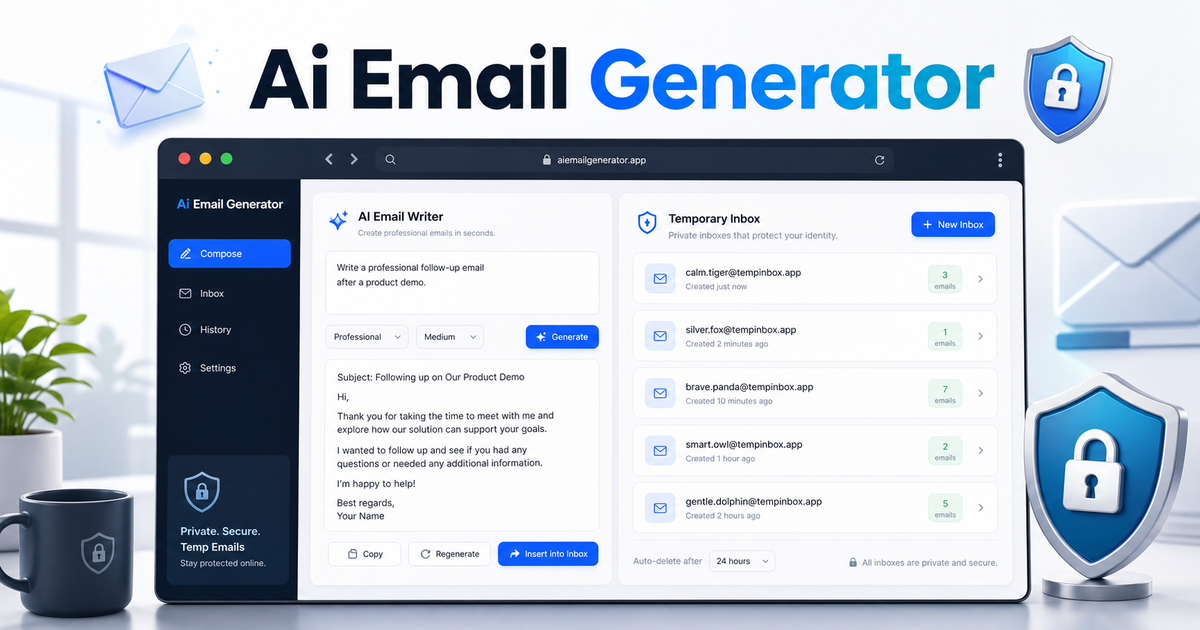
When the blank page remains a problem, an AI email generator can turn a short brief into a suggested subject line and editable message.
The input should include the recipient, purpose, previous context, preferred tone, and expected action.
For example, instead of entering:
Write a follow-up email.
Use a more specific request:
Write a concise and friendly follow-up to a client who received a website proposal five days ago. Ask whether they have questions and suggest a short call next week.
The second request gives the writing tool enough information to produce a more relevant draft.
Questions for the Writing Audit
Review the current process and ask:
-
Do we define the purpose before writing?
-
Do common messages have reusable background information?
-
Are subject lines specific?
-
Does each email contain one primary request?
-
Are generated drafts reviewed before sending?
-
Are attachments and links checked?
-
Does the recipient know what happens next?
Create a short checklist for the problems that appear most often.
The objective is not to automate every conversation. It is to reduce repeated effort while keeping people responsible for the final wording.
Part Two: Audit the Professional Email Identity
The next step is to examine what recipients see around the message.
A professional email identity includes:
-
The sender name
-
The email address
-
The reply-to address
-
The profile image
-
The email signature
-
The company website and contact links
These elements should be consistent.
A customer may become confused when the sender name uses one company name, the email domain uses another, and the signature links to an outdated website.
The signature deserves particular attention because it appears repeatedly across outgoing communication.
A practical signature may include:
-
Full name
-
Job title
-
Company
-
Website
-
One phone number
-
One or two relevant professional links
More information does not always create a better signature.
Large banners, several social icons, long quotations, and unnecessary promotional text can distract from the email. They may also display poorly on mobile devices or in different email clients.
An email signature generator can help create a cleaner structure without requiring the user to manually write and test HTML.
Questions for the Identity Audit
Check every active signature and ask:
-
Is the job title current?
-
Is the phone number correct?
-
Does the website link work?
-
Are social profiles still active?
-
Is the logo hosted reliably?
-
Is the design readable on mobile?
-
Does the signature contain unnecessary information?
-
Are team members using a consistent format?
A quarterly signature review can prevent outdated information from appearing in hundreds of messages.
Small teams may also benefit from defining a shared standard. This does not mean every signature must be identical, but the company name, logo, contact information, and visual style should remain consistent.
Part Three: Audit Email Testing and Temporary Accounts
The final part of the audit focuses on how email addresses are used during testing.
Website owners, developers, marketers, and product teams frequently test:
-
Account registration
-
Verification emails
-
Password reset messages
-
Newsletter confirmation
-
Contact forms
-
Team invitations
-
Purchase receipts
-
Trial activation emails
A common mistake is using a personal or business inbox for every test.
This creates clutter and makes it difficult to separate real communication from test messages. Another inefficient approach is creating multiple permanent accounts that will never be used again.
A random email generator with inbox access can provide short-term addresses for appropriate testing tasks.
A basic test may follow this process:
-
Generate a temporary address.
-
Enter it into the registration or form workflow.
-
Open the temporary inbox.
-
Confirm that the message arrives.
-
Check the subject line and sender.
-
Test the verification code or link.
-
Review the mobile layout.
-
Remove the test account when finished.
Testing should cover more than delivery.
The team should also check:
-
Is the sender recognizable?
-
Is the subject line clear?
-
Is the main action easy to find?
-
Does the link work?
-
Is the message readable on mobile?
-
Does it explain what happens next?
-
Are support and privacy links correct?
Temporary Email Has Clear Limits
Temporary addresses should only be used when future access is not important.
They should not be used for:
-
Banking
-
Payment services
-
Important business systems
-
Customer accounts
-
Cloud storage
-
Long-term subscriptions
-
Password recovery
-
Accounts containing valuable data
The rule is simple:
When losing access to the address could create a future problem, use a permanent account controlled by the individual or organization.
Turn the Audit Into a Small Improvement Plan
After reviewing the three areas, choose only a few changes.
For example:
Writing
-
Define the purpose before drafting.
-
Use one primary request per email.
-
Add a final attachment and link check.
Identity
-
Update outdated signatures.
-
Remove unnecessary social icons.
-
Create one shared signature standard.
Testing
-
Keep test messages away from business inboxes.
-
Use temporary addresses only for low-risk tests.
-
Remove test accounts after the workflow is verified.
Avoid trying to rebuild the entire email system at once.
Small improvements are easier to maintain and can produce immediate results.
Final Thoughts
A better email workflow does not necessarily require another large software platform.
It often begins by fixing the smaller tasks that repeatedly consume time:
-
Starting a message
-
Clarifying the requested action
-
Reviewing generated text
-
Maintaining a current signature
-
Separating test messages from important communication
-
Choosing the correct address for each task
A short audit makes these problems visible.
Once the sources of friction are identified, focused tools and simple checklists can make email faster, clearer, and easier to manage without removing human control.
 saadurrehman
  sawroopram512