
Salesforce DX vs Change Sets: What Developers Should Know
When working on Salesforce projects, building features is only half the job. The other half is moving those changes safely from one org to another—usually from Sandbox to Production. This process is called deployment, and for years, Salesforce developers relied on Change Sets to do it.
But today, modern Salesforce teams are shifting towards Salesforce DX (Developer Experience) for a more powerful, version-controlled, and scalable deployment process.
If you’re learning development through salesforce classes in pune or planning to join a professional salesforce training in pune, understanding the difference between Change Sets and Salesforce DX is essential. This topic is not just theoretical—it’s used daily in real-time Salesforce projects.
In this blog, we’ll break down both approaches in simple terms and help you understand which one to use and when.
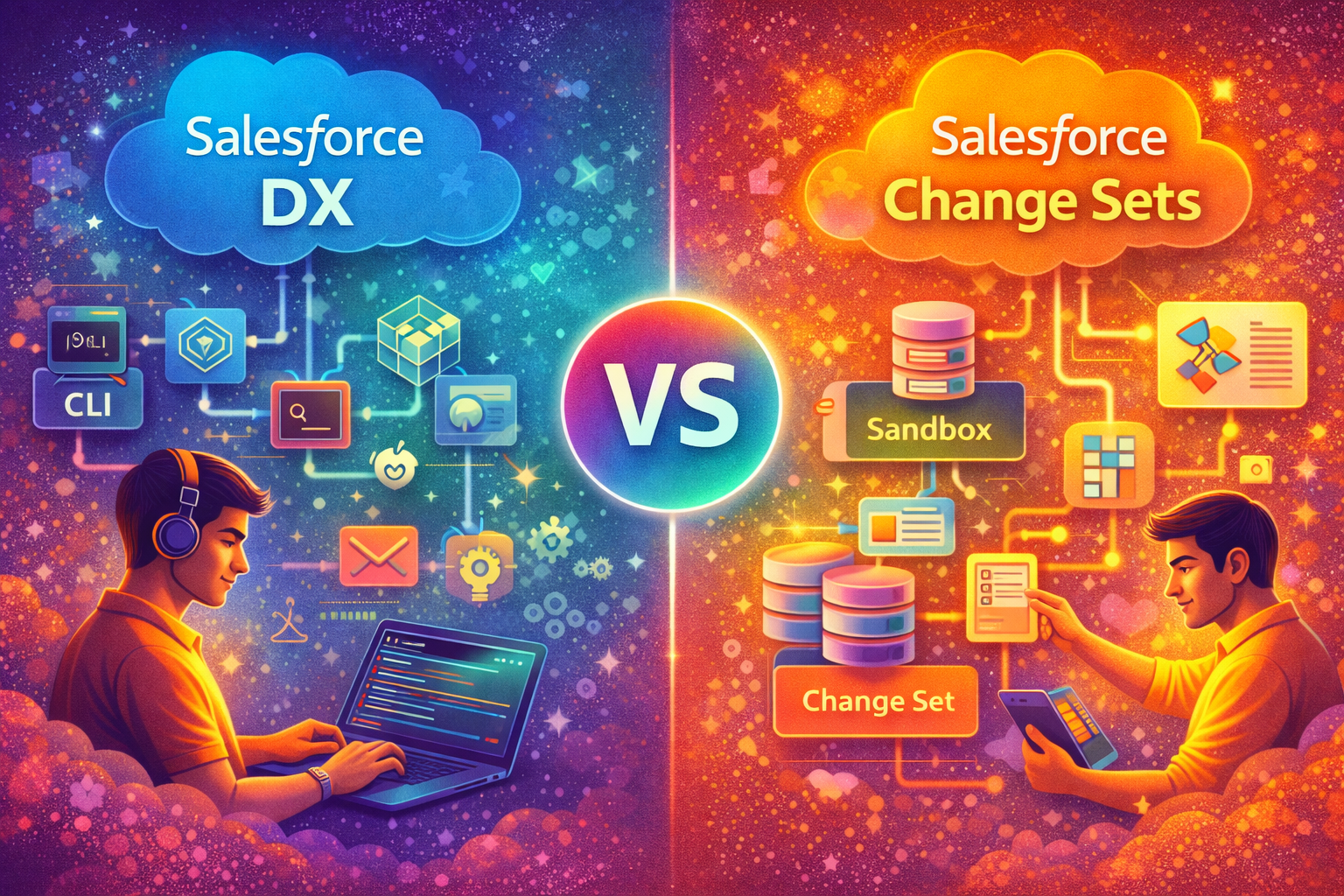
What Are Change Sets in Salesforce?
Change Sets are a point-and-click deployment tool provided by Salesforce. They allow you to move metadata (like objects, fields, Apex classes, Flows, etc.) from one org to another without writing any code.
How Change Sets Work
- Create an outbound Change Set in Sandbox
- Add components (Apex, fields, layouts, flows, etc.)
- Upload to Production
- Deploy from Production
This method is simple and beginner-friendly, which is why it’s usually taught first in many salesforce classes in pune.
Limitations of Change Sets
While Change Sets are easy to use, they have major limitations:
- No version control
- Manual and time-consuming
- Hard to track what was deployed
- Not suitable for team collaboration
- No automation support
- Difficult for large projects
These limitations led to the rise of Salesforce DX.
What Is Salesforce DX?
Salesforce DX (Developer Experience) is a modern development and deployment approach that uses:
- VS Code
- Salesforce CLI (Command Line Interface)
- Git for version control
- Scratch Orgs for development
It brings Salesforce development closer to modern software engineering practices.
This is now a key module in advanced developer training at any good salesforce training in pune.
How Salesforce DX Works
With Salesforce DX, the workflow looks like this:
- Write code in VS Code
- Track changes using Git
- Test in Scratch Org or Sandbox
- Deploy using CLI commands
- Automate deployment using CI/CD tools
This process is faster, cleaner, and more reliable for large teams.
Salesforce DX vs Change Sets: Key Differences
| Feature | Change Sets | Salesforce DX |
|---|---|---|
| Ease of Use | Very easy | Requires technical knowledge |
| Version Control | Not available | Fully supported (Git) |
| Automation | Not possible | Possible with CI/CD |
| Team Collaboration | Difficult | Seamless |
| Deployment Speed | Slow | Fast |
| Best For | Small changes | Large projects |
| Tracking Changes | Manual | Automatic |
| Modern Approach | Outdated | Industry standard |
This comparison is frequently discussed in developer-focused salesforce classes in pune.
When to Use Change Sets
Change Sets are still useful in some situations:
- Small organizations with simple requirements
- Admin-driven deployments
- Minor changes like fields or layouts
- Teams with no Git knowledge
For beginners, Change Sets provide a basic understanding of deployments before moving to DX.
When to Use Salesforce DX
Salesforce DX is ideal when:
- Multiple developers work on the same project
- Version control is required
- Continuous integration is needed
- Frequent deployments are happening
- Complex Apex and LWC development is involved
Most modern companies prefer developers who understand Salesforce DX, which is why it’s emphasized in advanced salesforce training in pune programs.
Why Developers Prefer Salesforce DX
1. Version Control with Git
Every change is tracked. You can see who changed what and when.
2. Scratch Orgs
Temporary orgs for testing features without affecting the main org.
3. Faster Deployment
CLI commands deploy metadata in seconds.
4. CI/CD Integration
Works with tools like Jenkins, GitHub Actions, Azure DevOps.
5. Better Team Collaboration
Multiple developers can work without overwriting each other’s work.
Real-World Scenario Example
Imagine a team of 5 Salesforce developers working on a project.
Using Change Sets:
- Each developer manually creates Change Sets
- Components are missed during upload
- Confusion about latest version
- Deployment errors occur
Using Salesforce DX:
- All code is stored in Git
- Developers pull latest updates
- Automated testing before deployment
- Smooth, error-free release
This is a practical scenario often explained during project training in salesforce classes in pune.
Learning Curve: Change Sets vs DX
- Change Sets can be learned in a day
- Salesforce DX requires understanding of Git, CLI, and project structure
But once learned, DX saves hours of manual effort.
Career Importance for Developers
From a career perspective, knowing only Change Sets is no longer enough.
Recruiters expect:
- Knowledge of Salesforce CLI
- Experience with Git
- Understanding of Scratch Orgs
- Awareness of CI/CD pipelines
These skills are now part of advanced developer curriculum in a good salesforce training in pune.
Can Admins Use Salesforce DX?
While DX is developer-focused, advanced Admins also benefit from learning it, especially in large organizations where structured deployments matter.
Future of Salesforce Deployments
Salesforce is clearly moving towards DX and DevOps practices. Change Sets are still available, but they are not the future.
Learning DX today makes you future-ready as a Salesforce Developer.
 rkumar@sevenmentor.com
  Course Cave